

How to confirm if your 2026 CPD is complete

Tips on how to check if you have completed your 2026 continuing professional development (CPD) requirements.
If you have met all your CPD requirements and have not been selected for audit, a tick will appear next to certificate of compliance in the milestones section of your CPD portfolio.
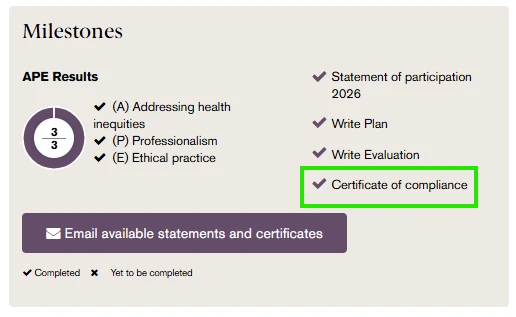
You can download your certificate of compliance by selecting email available statements and certificates in the milestones section, or by accessing the statements and certificates tab within your CPD portfolio.

If there is no tick displayed next to the certificate of compliance and you have not been selected for audit, this indicates that you have outstanding CPD requirements that still need to be completed.
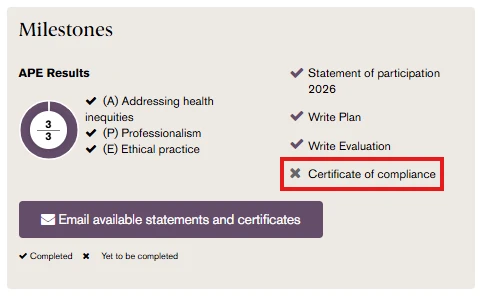
For guidance on identifying any outstanding requirements please refer to our guide, Navigating your CPD portfolio.
If you require further assistance, please contact the CPD team at [email protected].


